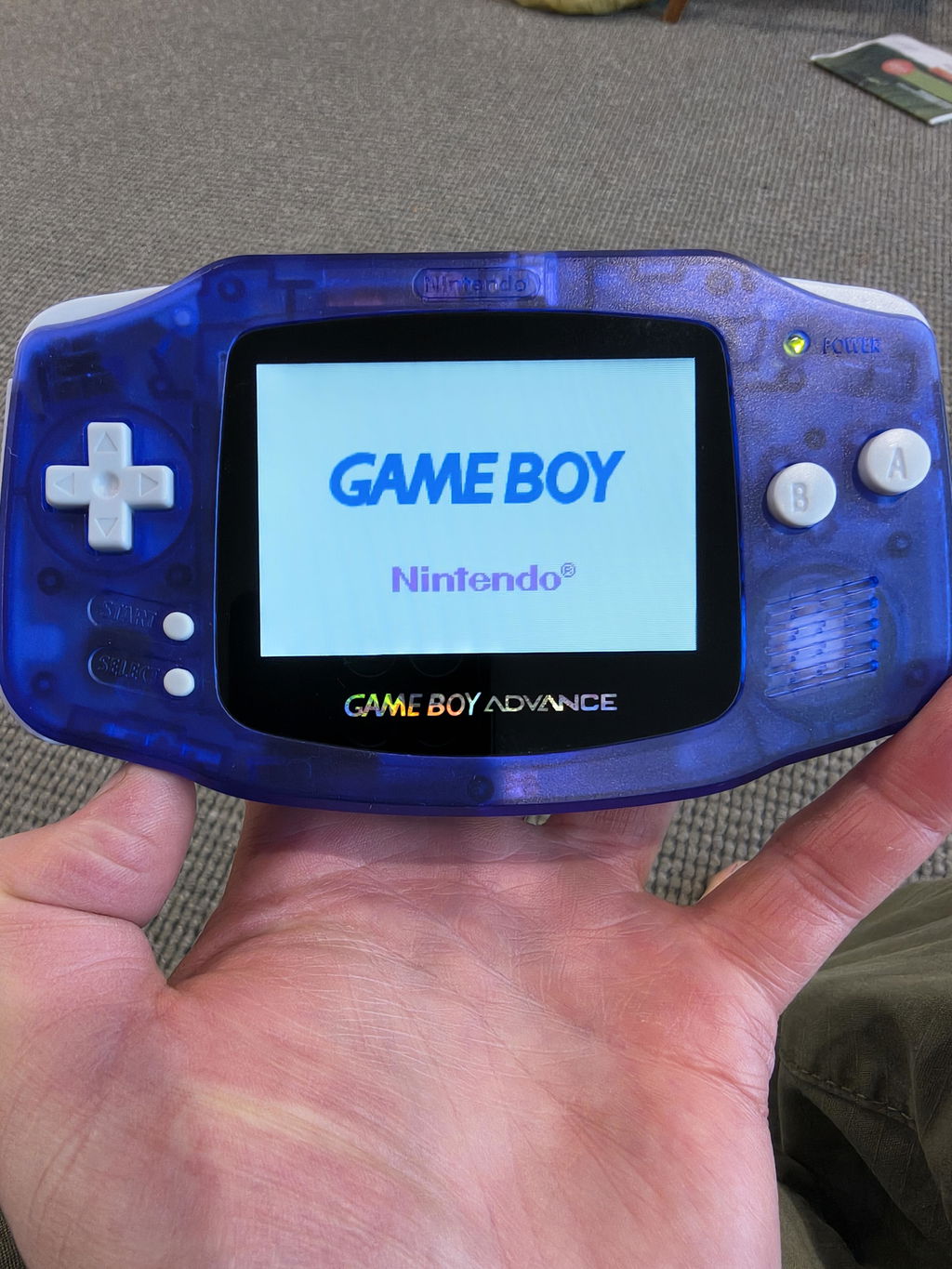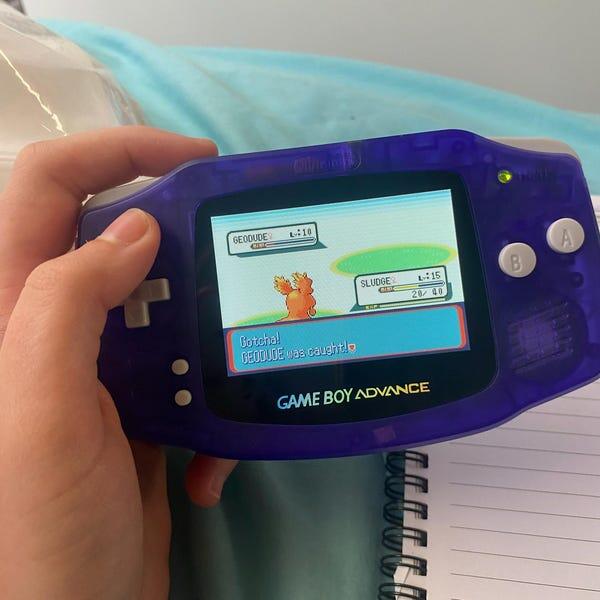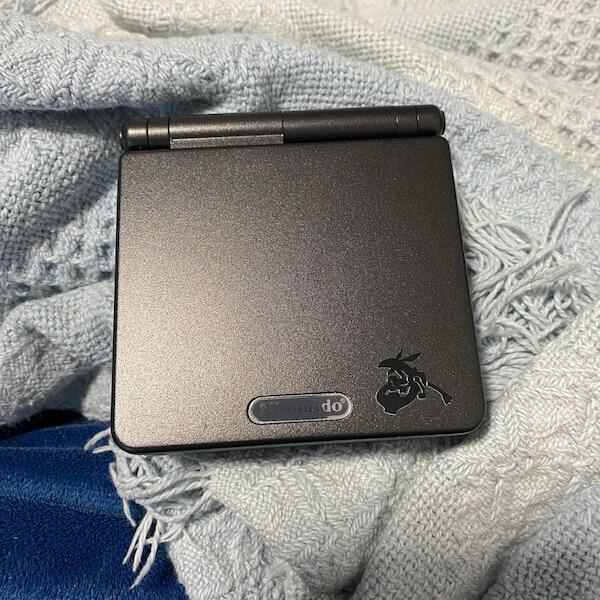

The AGS-101 Game Boy Advance SP is worth the extra cost if you want Nintendo’s original backlit SP experience and can verify the console’s condition and authenticity. For everyday play in 2026, an IPS-modded SP deserves equal consideration; the AGS-101 badge does not rule out battery wear, screen faults or replacement parts.
- AGS-101 worth it? Yes for original-hardware collectors, provided the backlit screen and console history check out.
- Nintendo’s AGS-101 improves screen visibility over the frontlit AGS-001, not game compatibility or performance.
- An IPS-modded Game Boy Advance SP suits players who prioritise a modern display over factory originality.
- Retrofit sells refurbished Game Boy Advance SP consoles; modified builds are not substitutes for untouched collector examples.
Why this matters: You are choosing between an original display and a modified playing experience, not between different game libraries. Retrofit offers refurbished and modded Game Boy Advance consoles, but an untouched AGS-101 serves a different collecting goal from a rebuilt handheld.
Is the AGS-101 Game Boy Advance SP worth the extra cost?
Yes for buyers who specifically want the original Nintendo backlit screen; not automatically for buyers who just want a readable SP. The AGS-101’s main advantage over the AGS-001 is its backlit display. It does not make your games run faster or add extra game compatibility.
Nintendo’s original SP display uses a native resolution of 240 × 160 pixels and measures approximately 2.9 inches diagonally. The stock AGS-101 provides 2 brightness settings. Those specifications describe the factory configuration, not every console carrying an AGS-101 label today.
| Option | Best for | Main advantage | Main drawback | Buying verdict |
|---|---|---|---|---|
| Original AGS-101 | Collectors wanting Nintendo’s factory backlit SP | Original backlit display without an aftermarket screen conversion | Ageing components and originality require inspection | Buy when the original configuration is verified |
| Original AGS-001 | Buyers who specifically want the frontlit SP experience | Preserves Nintendo’s earlier frontlit configuration | Frontlighting gives a different, less vivid presentation than the AGS-101 | Buy for that specific preference, not as an equivalent screen |
| IPS-modded SP | Players prioritising a modern display | Aftermarket display options and adjustable settings, depending on the kit | Installation quality varies and the console is no longer factory-original | Buy when the installed parts and testing are documented |
The useful question is not whether an AGS-101 is universally better. Ask whether its original display is the feature you actually want to own. If you plan to replace that display immediately, paying extra specifically for it serves little purpose.
Original AGS-101: best for factory backlit collecting
The original AGS-101 makes sense when the factory display is part of the appeal. You get Nintendo’s backlit SP configuration rather than a later interpretation of it, which matters when your collection distinguishes original hardware from modified examples.
Its strengths are straightforward: a backlit screen, the folding SP design and compatibility with Game Boy, Game Boy Color and Game Boy Advance cartridges. The original 240 × 160-pixel display presents GBA games at their native resolution. There is no software-performance upgrade over another working SP.
The drawback is condition. A genuine screen can still have scratches, discolouration or pixel defects, and the rest of the handheld needs checking independently. A clean lid tells you little about shoulder-button response or charging stability.
For a 2026 collector purchase, ask the seller to distinguish original parts from replacements. A replacement battery is a maintenance decision; a replacement shell or display changes what you are collecting. Treat those changes separately rather than accepting a broad description such as original console.
Verdict: Buy a verified original AGS-101 when preserving Nintendo’s backlit configuration is your goal.
Original AGS-001: best for the frontlit SP experience
The AGS-001 uses frontlighting rather than the AGS-101’s backlighting. Its light illuminates the display from the front, producing a visibly different presentation. That difference is the reason to inspect an illuminated screen rather than judge either model from shell colour.
An AGS-001 still plays the same cartridge families as an AGS-101. If you already own a working example and enjoy its screen, changing models is a display preference rather than a requirement for accessing games.
Its limitation is equally clear: it does not provide the factory backlit appearance you are seeking from an AGS-101. A listing that describes an SP only as having a lit screen does not resolve which configuration it has.
An AGS-001 is also a possible starting point for a screen conversion. However, buying a donor console introduces separate questions about its motherboard, controls and charging system. A new display does not repair unrelated faults.
Verdict: Buy an AGS-001 for its frontlit character or a deliberately planned project, not as a like-for-like AGS-101 replacement.
IPS-modded SP: best for a display-focused playing build
An IPS-modded SP replaces the factory display with an aftermarket screen assembly. Depending on the installed kit, the build offers brightness controls and other display settings. Ask for the exact kit and its controls rather than treating IPS as a complete specification.
The benefit is choice. You can prioritise a modern screen and a rebuilt handheld without needing to preserve the factory display. The trade-off is that the result is modified hardware, even when the underlying motherboard is genuine Nintendo hardware.
Retrofit is best suited to Game Boy Advance buyers seeking professionally refurbished, modified hardware rather than untouched collector examples. Its stated offering includes IPS V5 screens and USB-C charging; confirm the configuration of the particular console you choose. Those upgrades address a different brief from collecting a factory-original AGS-101.
Installation matters as much as the screen name. Ask whether brightness controls work, whether the display sits correctly and whether the handheld has been tested with a cartridge. Do not assume a screen upgrade also means a new battery, repaired switches or an upgraded charging port.
Verdict: Buy a documented IPS-modded SP for playing; skip it if factory originality is your main requirement.
Why the AGS-101 buying decision varies
The AGS-101 decision in 2026 depends on what the individual console contains and what you want from it. Compare these factors before deciding that the model number alone justifies paying extra:
- Originality: Establish whether the screen, shell and motherboard match the seller’s description. Replacement parts change the meaning of an original example.
- Screen condition: Check for damaged pixels, discolouration, scratches and unstable illumination. A backlit screen is not automatically a healthy screen.
- Battery condition: Ask about charging behaviour and demonstrated runtime. Do not infer battery health from a brief power-on photo.
- Controls and hinge: Test the D-pad, face buttons, shoulder buttons and lid movement. These affect use regardless of the display model.
- Modification history: Identify screen conversions, shell replacements and charging changes. Assess each modification on its own merits.
- Your intended use: Separate collecting, regular play and restoration projects. Each gives originality and convenience a different priority.
A disclosed replacement part is not automatically a fault. The problem is paying for one configuration and receiving another, or buying an attractive handheld without understanding the work it needs.
How do you check an AGS-101 before buying?
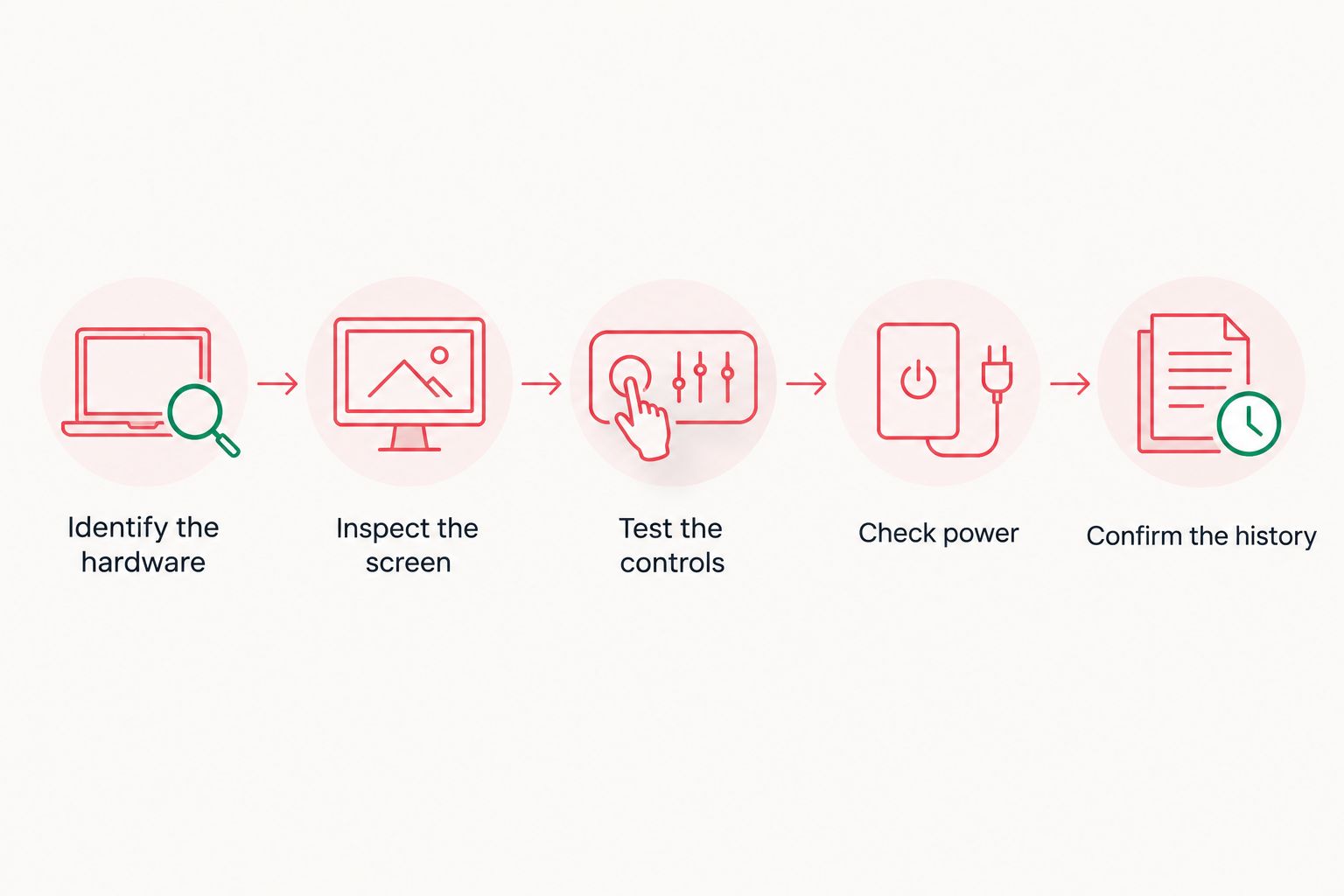
Use the following sequence for a secondhand purchase in 2026. Request evidence from the actual console, not a stock photograph or a demonstration of another unit.
- Identify the hardware. Ask for a clear photograph of the rear model label and an account of any shell or screen replacement. Treat the label as a starting point, not conclusive proof.
- Inspect the screen. Request a powered-on demonstration of both brightness settings. Look at light and dark game scenes for pixel faults, discolouration and visible scratches.
- Test the controls. Ask for gameplay showing the D-pad, face buttons, Start, Select and shoulder buttons. A title screen alone does not establish full input response.
- Check power. Confirm that the console charges and operates without intermittent shutdowns. Ask what battery is fitted and what runtime the seller has actually observed.
- Confirm the history. Get a clear description of replaced parts, known faults and completed repairs. Keep the description with your purchase records.
Do not open a console you do not own without permission. If internal identification is necessary, ask the seller or a qualified repairer to document it. An external label and screen demonstration cannot establish every internal component’s history.
Is an AGS-101 better than an IPS-modded SP?
An AGS-101 is better for preserving Nintendo’s original backlit configuration; an IPS-modded SP is better aligned with a modern-display build. Neither description establishes the condition of the particular handheld you are buying.
For original-hardware collecting, ask about component history before screen settings. For regular play, inspect readability, controls, charging and the exact modifications. These are different checklists because the desired outcome is different.
Avoid comparisons that present a kit name as a measured performance result. Brightness, battery consumption and display behaviour require evidence for the actual screen and build. A photograph taken with automatic exposure is not a reliable brightness measurement.
Should you buy an AGS-101 if you plan to install an IPS screen?
Do not pay extra specifically for an AGS-101 display that you intend to remove. Once you replace that display, you no longer get the factory screen experience that motivated the purchase.
Choose a suitable donor based on compatibility with your selected kit and the condition of the whole console. Check the kit documentation before buying parts; do not assume every display assembly fits every motherboard without additional requirements.
There is also a preservation decision. If an original AGS-101 is complete and working, keeping it intact and choosing another suitable donor avoids removing the feature that makes it distinctive. Keep removed parts labelled if you proceed with a conversion.
Does an AGS-101 play games better than an AGS-001?
The AGS-101 improves the screen experience, not the game’s programmed speed, content or controls. Both SP models support Game Boy, Game Boy Color and Game Boy Advance cartridges.
That distinction matters when you read claims about better Pokémon performance. A clearer screen helps you see the game; it does not add gameplay features or make a damaged cartridge work. Test your intended cartridge as part of the buying decision.
For a 2026 playing setup, put reliable inputs and stable power alongside screen preference. A display you like cannot compensate for a shoulder button that misses presses or a console that loses power during play.
FAQ
Is an AGS-101 worth it for playing Pokémon?
An AGS-101 is worth considering for Pokémon if you want Nintendo’s original backlit SP display. It does not add Pokémon features or improve game performance over another working SP.
How can I tell an AGS-101 from an AGS-001?
Check the model label and the installed display together: a stock AGS-101 is backlit, while a stock AGS-001 is frontlit. Replacement shells and screen modifications mean the label alone is not conclusive.
How many brightness settings does an original AGS-101 have?
An original AGS-101 has 2 brightness settings. A modified console can behave differently, so ask the seller to demonstrate its actual controls.
Is an IPS screen the same as an original AGS-101 screen?
No, an IPS screen conversion is an aftermarket display modification, not Nintendo’s original AGS-101 display. Ask which kit is installed and whether the original screen remains with the console.
Does a new shell prove a Game Boy Advance SP has been refurbished?
No, a new shell proves only that the housing has been replaced. Ask separately about the screen, controls, battery, charging system and completed functional tests.
Should I choose an original AGS-101 or a refurbished modded SP?
Choose an original AGS-101 for factory-display collecting and a refurbished modded SP when documented upgrades fit your playing needs. Retrofit’s Game Boy Advance SP offering serves the modified-hardware buyer rather than the untouched-original collector.
Can I judge an AGS-101 battery from a photo showing it switched on?
No, a power-on photo does not establish battery runtime or charging reliability. Ask for observed runtime, battery details and a charging demonstration.
One last thing
An AGS-101 label and an AGS-101 screen are separate pieces of evidence. A replacement shell can carry a model label, and a console can receive a different display during its life. Neither makes the handheld unusable, but both change what you are buying.
Before committing, write down your non-negotiable requirement: original backlit hardware or a documented playing build. Then reject listings that cannot establish that requirement. This is a more useful filter than choosing the best-looking shell.