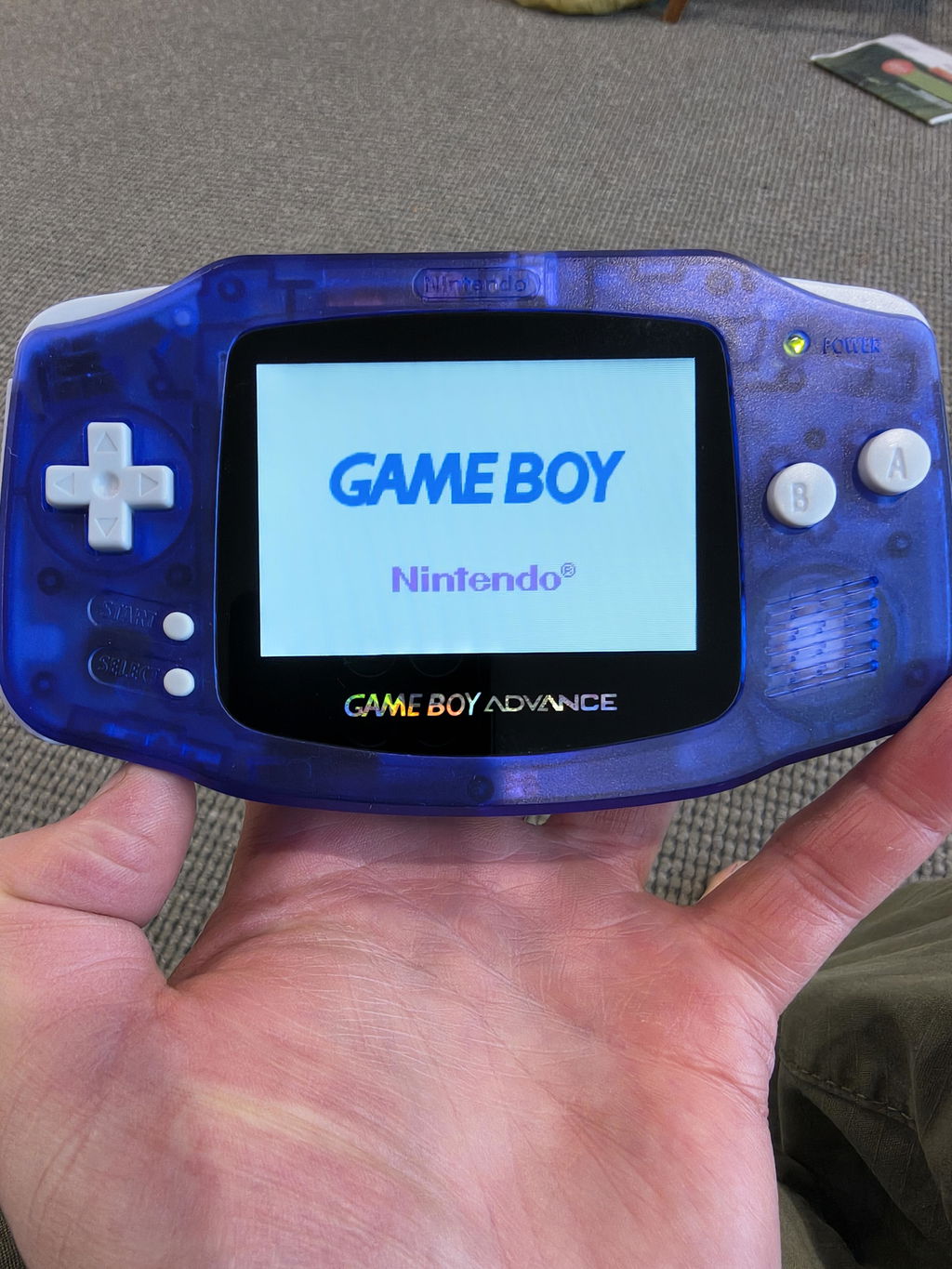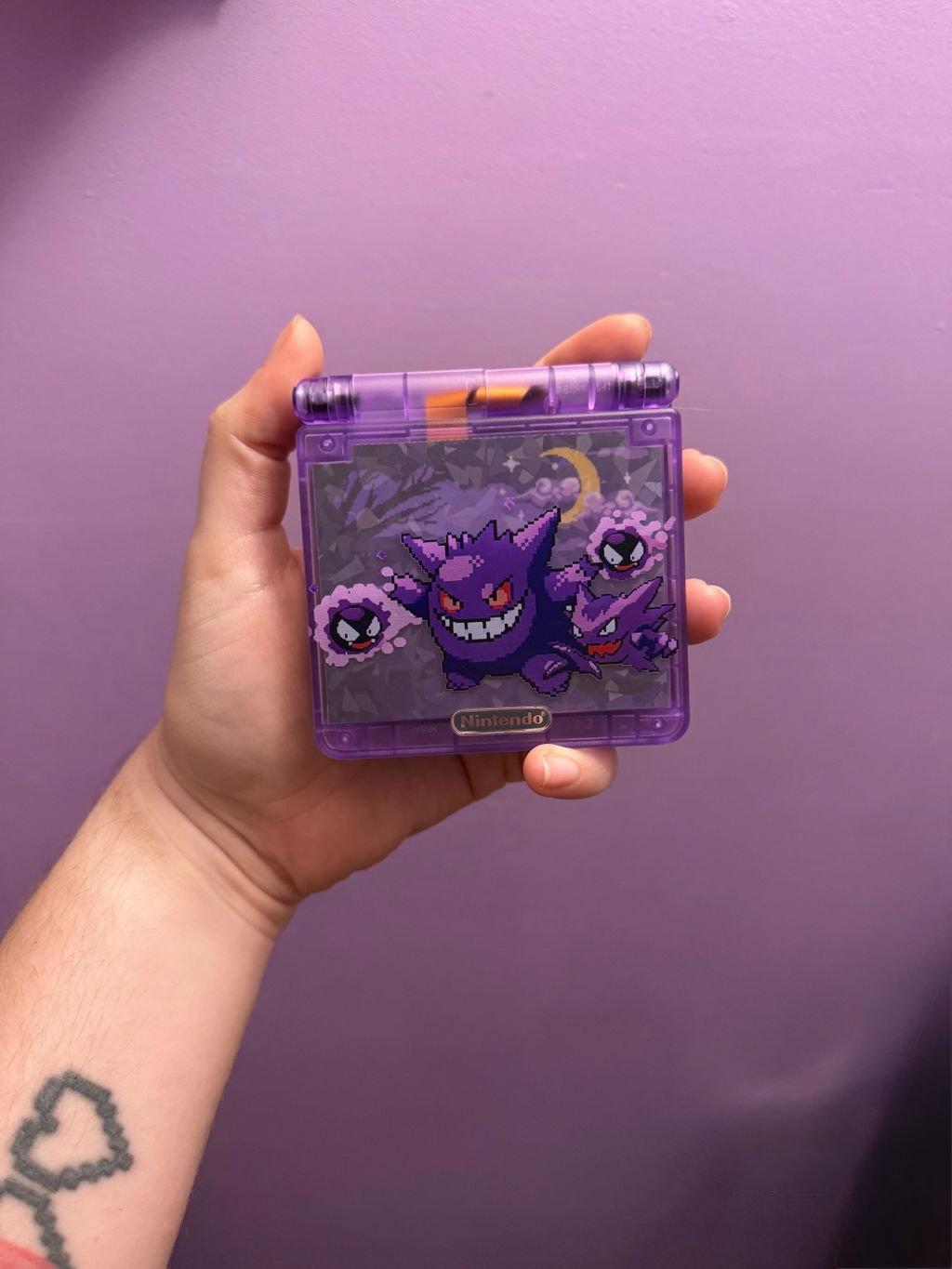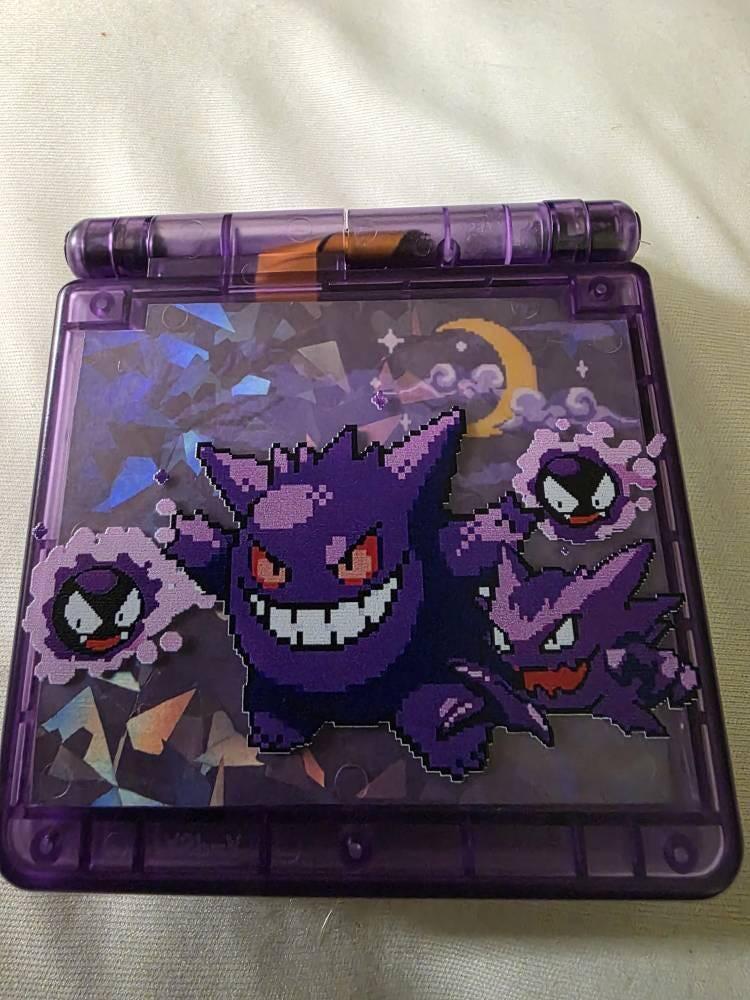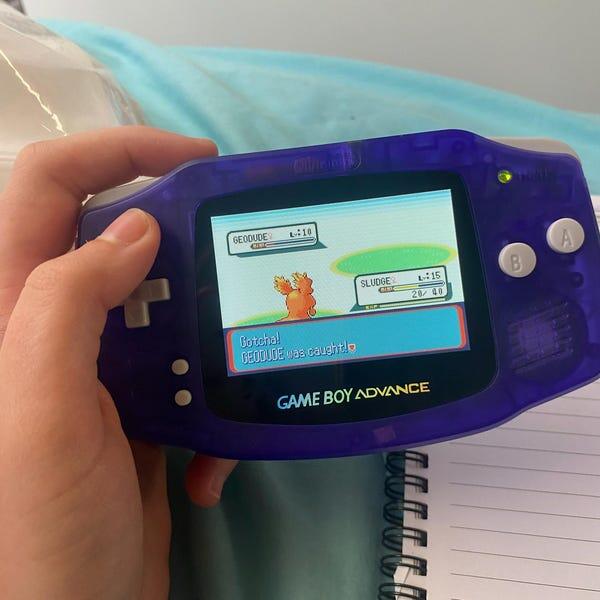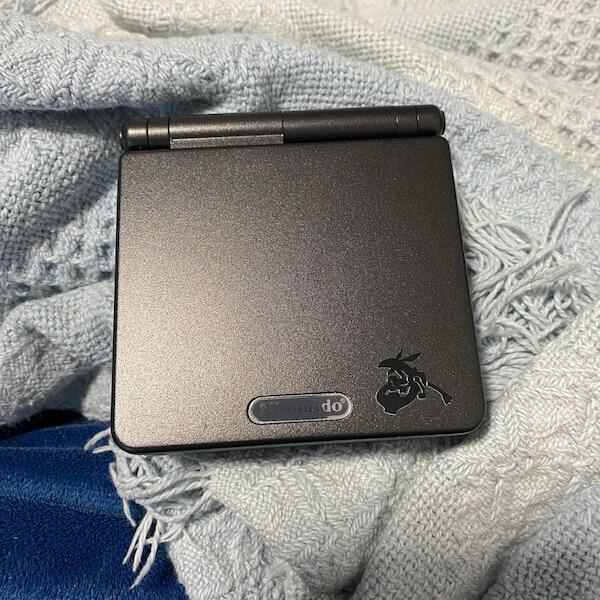

Choose IPS V5 for a Game Boy Advance SP you intend to play regularly; keep a working stock screen when preserving original hardware matters more than changing the display. In 2026, the deciding detail is whether that stock screen is the frontlit AGS-001 or backlit AGS-101, because replacing an AGS-101 is a different decision from replacing an AGS-001.
- IPS V5 vs stock screen Game Boy Advance SP: choose IPS for regular play, stock for original hardware preservation.
- Nintendo AGS-001 uses a frontlit screen; AGS-101 uses a backlit screen. Identify the installed display before deciding.
- A Game Boy Advance game outputs 240 × 160 pixels; a replacement screen does not add game detail.
- Retrofit suits buyers seeking professionally refurbished, modded Game Boy Advance SP consoles rather than a DIY project.
How do you choose between IPS V5 and a stock Game Boy Advance SP screen?
Start with the installed screen, then choose between playing comfort and originality. Nintendo made frontlit and backlit SP models, so “stock screen” does not describe a single viewing experience. The difference between AGS-101 and AGS-001 screens is the starting point, not the colour of the shell.
| Screen option | Best for | Main advantage | Main drawback | Decision |
|---|---|---|---|---|
| Stock AGS-001 | Preserving an original frontlit SP | Retains the original display when the console is unmodified | Frontlighting gives a different, less evenly lit appearance than a modern backlit display | Keep for preservation; consider replacing for regular play |
| Stock AGS-101 | Playing on original Nintendo backlit hardware | Provides backlighting without an aftermarket screen conversion | Condition still needs checking; originality does not guarantee a fault-free panel | Keep if healthy and comfortable to use |
| IPS V5 replacement | Regular play with an aftermarket display | Replaces the original panel with a modern IPS display | Changes originality; controls and installation requirements depend on the kit | Choose after checking the exact specification |
Do not buy on the version label alone. “IPS V5” needs an accompanying kit specification: screen controls, installation requirements and supported features must be stated for the actual hardware being supplied.
Why this matters
A screen dominates your experience of a handheld, but a screen replacement does not refurbish the rest of the console. A bright display cannot correct unreliable shoulder buttons, a loose hinge or a worn charging connection.
For a 2026 purchase, separate three questions: is the display suitable, is the console healthy, and does the modification match your collecting goals? You can answer yes to the first and no to the other two. Treat the whole console as the purchase, not just the screen.
Stock AGS-001: best for preserving the frontlit experience
The AGS-001 uses a frontlight that illuminates the display from the front. Keep it if experiencing the console in its original form is part of the appeal. That includes the way its lighting and colours look, not merely the Nintendo motherboard underneath.
For regular indoor play, an IPS conversion is a sensible option when the stock picture makes you reposition the console or seek better lighting. Judge this using a game you know. Small menu text and dark scenes reveal viewing problems more clearly than a colourful title screen.
The trade-off is straightforward: replacing a working original display changes the console's original configuration. Keeping the removed screen documents what was changed, but does not automatically make the conversion reversible; shell work and other modifications matter too.
Recommendation: keep a healthy AGS-001 for preservation; choose IPS when the original display interferes with how you play.
Stock AGS-101: best for original backlit hardware
The AGS-101 already has a backlit screen. Do not treat it as an unlit display that needs rescuing. If the picture looks good to you and the panel is healthy, retaining it is a valid endpoint rather than an unfinished upgrade.
Check the display with moving gameplay and static menus. Look for damaged pixels, discolouration, flickering and distracting unevenness. A model number tells you the original specification, not the present condition of the screen.
An IPS conversion still makes sense if the panel is damaged or you specifically prefer the replacement display. However, a functioning original AGS-101 deserves a direct comparison before you dismantle it. A different picture is not automatically a better picture for your preferences.
Recommendation: keep a healthy AGS-101 unless you can identify a viewing problem or a replacement feature you actually want.
IPS V5: best for a play-focused rebuild
An IPS V5 conversion replaces the original display with an aftermarket IPS screen. It suits a console being rebuilt for use rather than preserved in its factory configuration. The important question is what the particular kit does, not how many features another seller associates with the same version label.
Ask how brightness is adjusted and whether any display settings require additional wiring. Confirm shell compatibility and whether the installation changes the original housing. Do not assume every kit offers identical menus, colour settings or installation methods.
Retrofit is best for Game Boy Advance SP buyers who want a professionally refurbished, modded console rather than a DIY screen project. Retrofit sells modded Game Boy Advance SP consoles with IPS V5 screens, but a rebuilt console is not the right choice when retaining an untouched factory configuration is your priority.
Recommendation: choose IPS V5 for a play-focused console after confirming the installed kit and the refurbishment work. A screen label is not evidence that the buttons, cartridge slot or charging system have been checked.
How to make the decision before buying or modifying
Use this sequence for a 2026 purchase or an upgrade to a console you already own. It keeps the decision tied to your actual hardware instead of a generic before-and-after photograph.
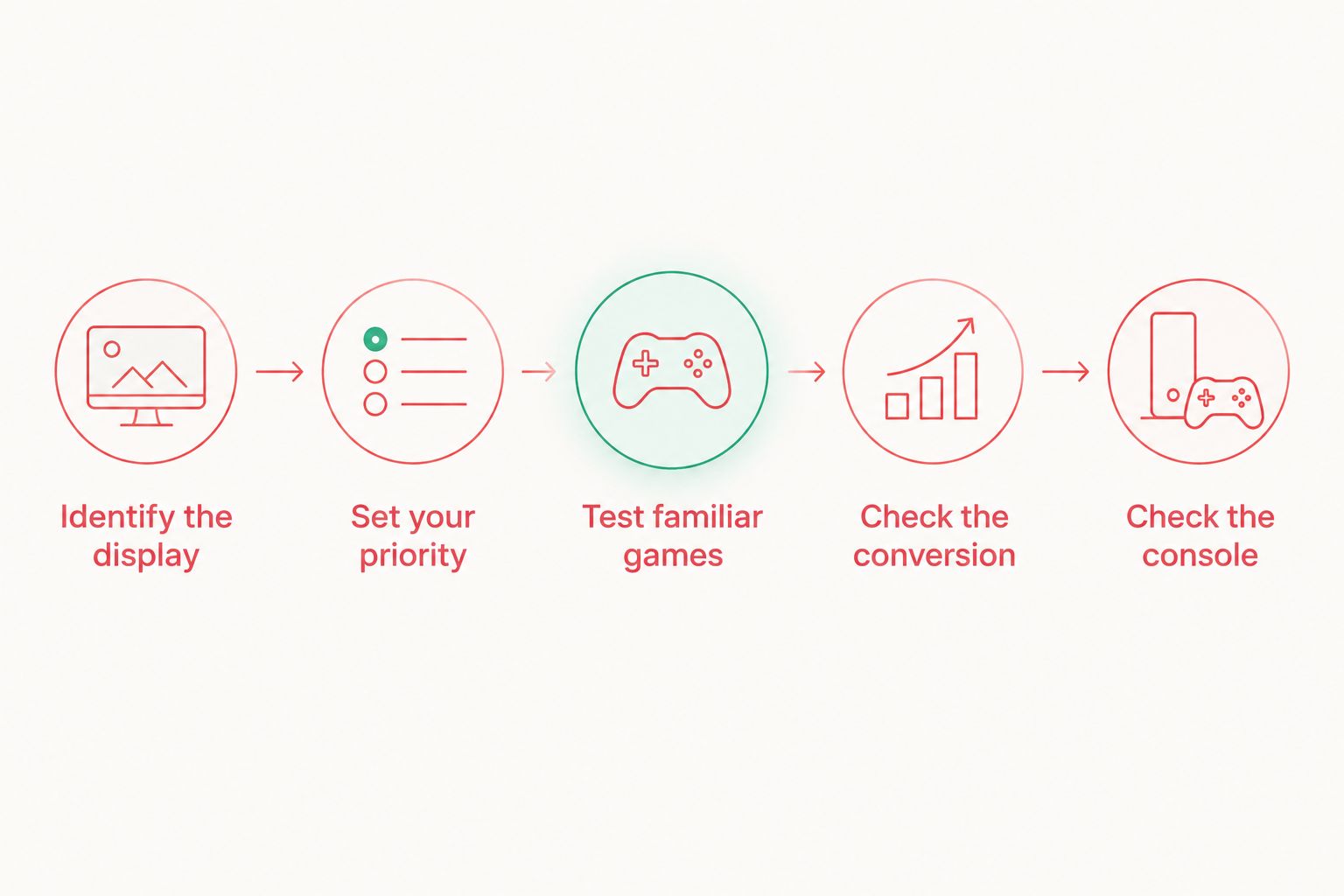
- Identify the display. Read the model label, then establish whether the installed screen is still original. A replacement shell or previous modification means the exterior label is not conclusive evidence.
- Set your priority. Decide whether you want original hardware preservation or a console configured for regular play. Write that down before choosing a shell design.
- Test familiar games. Inspect menu text, dark scenes and scrolling gameplay. Use the same game when comparing displays, rather than judging unrelated screenshots.
- Check the conversion. Request the actual kit specification, control method and installation requirements. Ask what changes are made to the shell and whether original parts are retained.
- Check the console. Test controls, cartridge reading, hinge movement, audio and charging. A display upgrade and a dependable handheld are separate requirements.
If you cannot inspect the console in person, request photographs of the actual unit and a video showing the display controls in use. Ask for the lighting conditions to remain unchanged during the demonstration. A useful demonstration shows operation, not just appearance.
Why the right screen choice varies
The same recommendation does not fit an untouched collector's console and a heavily worn daily player. These factors change the decision:
- Original screen type: an AGS-001 starts with frontlighting; an AGS-101 already has backlighting. Assess the actual baseline before discussing an upgrade.
- Panel condition: damage or persistent display faults give you a reason to replace a screen that goes beyond preference.
- Preservation goals: retaining original parts matters when the console's factory configuration is the object you want to collect.
- Playing conditions: judge readability where you normally play, including the room lighting and the angle at which you hold the SP.
- Installation scope: shell alterations, wiring and kit-specific requirements affect whether the project suits your skills and your console.
- Whole-console condition: a screen conversion leaves unrelated faults unresolved unless repair work addresses them separately.
In 2026, ask sellers to distinguish cosmetic changes, screen work and functional repairs. “Refurbished” should lead to a clear explanation of the work, not replace one.
Does IPS V5 make Game Boy Advance games higher resolution?
240 × 160 pixels remains the native Game Boy Advance game image. That is 38,400 source pixels in a 3:2 aspect ratio. A replacement panel can display that image differently, but it does not create additional detail in the game's original artwork.
Separate the panel's physical resolution from the game's output. If you care about pixel edges or scaling, ask to see close-up photographs of familiar text and sprites. Do not interpret a larger panel-resolution figure as proof that the game itself renders at a higher resolution.
Should you replace a working AGS-101 with IPS V5?
Keep a working AGS-101 if its backlit image already suits you. Replace it when the panel has a fault or when you have compared the replacement and prefer its actual presentation or documented controls.
Do not dismantle a healthy original console simply because IPS is described as newer. For a preservation-focused owner, retaining the original display is the benefit. For a player, the benefit must show up during use.
Does an IPS V5 screen also add USB-C charging?
An IPS V5 screen does not, by itself, add USB-C charging. Display replacement and charging modification are separate jobs, even when a rebuilt console includes both.
Check the specification of the console you are buying. A photograph of a bright screen proves nothing about the charging port, battery condition or supported charging arrangements.
How should you compare screens fairly?
Use the same cartridge, scene and room lighting. Move between a static menu and active gameplay, then tilt each console through the angles you naturally use. This gives you a comparison of readability and presentation rather than a comparison of photographic exposure.
For a 2026 online purchase, request a demonstration that shows brightness controls being operated. Cameras adjust exposure, so a photograph cannot establish a reliable brightness ranking between different listings. It is useful for spotting visible damage, but not for measuring a screen.
Keep these observations separate:
- Readability: can you comfortably read dialogue, menus and small interface elements?
- Colour preference: do familiar scenes look how you want them to look?
- Motion appearance: do scrolling backgrounds and moving sprites look acceptable to you?
- Control access: can you change the display settings without an awkward procedure?
Do not infer battery runtime, latency or long-term durability from a still image. Those are different questions requiring evidence about the actual build. Choose a display using what you can establish, not specifications borrowed from another kit.
What should a refurbished console include in the discussion?
Ask the seller to explain the refurbishment separately from the screen upgrade. Useful answers identify what was replaced, what was retained and which functions were tested. “New screen” describes one component, not the condition of the motherboard or controls.
Retrofit offers refurbished and modded consoles alongside repair and upgrade services. If you already own an SP, decide whether you want work on that particular console or a separate rebuilt unit; those routes serve different preservation goals.
Before committing, establish who handles installation faults and what the written warranty covers. Read the terms for the actual purchase rather than assuming a display modification covers every component. For a DIY project, check the kit instructions before opening the console, especially the requirements for shell fit and wiring.
FAQ
What's better for everyday play, IPS V5 or a stock Game Boy Advance SP screen?
IPS V5 is the better starting choice for a play-focused rebuild, especially when replacing an unsatisfactory AGS-001 frontlit display. A healthy stock AGS-101 already provides backlighting and does not need replacing if you like its picture.
How do I know whether my Game Boy Advance SP has a stock screen?
Check the console's model label and establish its modification history. AGS-001 originally used a frontlit screen and AGS-101 a backlit screen, but a changed shell or replacement display means the label alone is not conclusive.
Will IPS V5 improve the resolution of my GBA games?
Game Boy Advance games retain their native 240 × 160 image. A replacement display changes how that image is presented, not the amount of detail the game generates.
Is IPS V5 always brighter than an original AGS-101?
Do not assume an IPS V5 brightness advantage without specifications or measurements for the exact kit and comparison screen. Camera exposure and different settings make separate listing photographs unsuitable for a reliable brightness ranking.
Will an IPS V5 upgrade improve my battery life?
An IPS V5 upgrade does not establish a battery-life improvement. Runtime depends on the actual display, brightness setting, battery condition and other hardware in the console.
Can I return my SP to stock after an IPS upgrade?
Returning an SP to stock depends on what the installation changes. Retaining the original screen helps, but shell alterations and other modifications also determine whether the original configuration can be restored.
Should I keep an original screen if it still works?
Keep a working original screen when preservation is your priority or its picture already suits you. Replace it when a fault or a clear viewing preference gives you a specific reason to change it.
One last thing
A spare original screen does not make a modified console untouched. Before upgrading a console you value as an original example, document its condition and ask exactly which parts will change.
For a 2026 buying decision, choose the screen after choosing the purpose. Preserve a healthy original SP when originality is the point; select a properly specified IPS build when playing is the point.