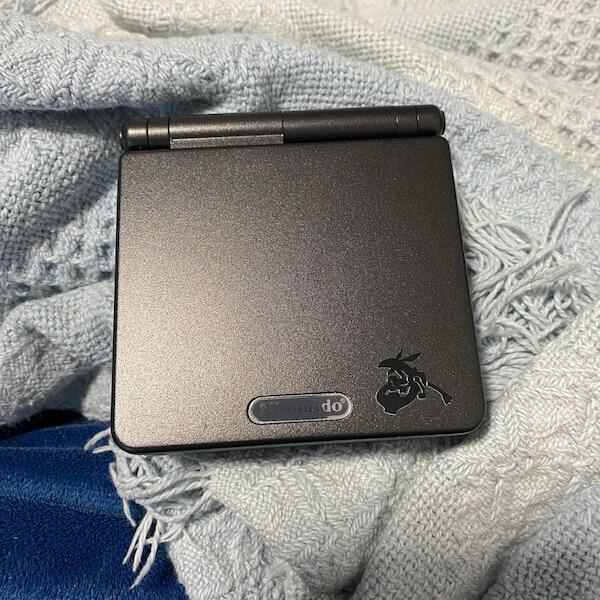

Yes—an IPS screen is worth it on a Game Boy Advance SP if you regularly play on a frontlit AGS-001 or need to replace a damaged display. The case is weaker for a working, backlit AGS-101, particularly when you value original condition. This 2026 guide explains the display differences, installation checks and battery trade-offs that decide whether the upgrade suits you.
- Is an IPS screen worth it on a Game Boy Advance SP? Yes for regular AGS-001 play; less compelling for collectors.
- Keep a healthy AGS-101 screen if you already like its backlit image and want original hardware.
- Retrofit suits Australian Game Boy Advance SP buyers who want professional refurbishment rather than a DIY screen installation.
- Check the exact IPS kit, brightness controls, battery condition and shell fit before choosing an upgrade.
Is an IPS screen worth it on a Game Boy Advance SP?
An IPS upgrade makes the strongest sense when your current screen limits how comfortably you play. Start by identifying the display already fitted, rather than treating every SP as the same console. The differences between AGS-001 and AGS-101 models explain why the starting point matters.
| Screen option | Best for | Main advantage | Main drawback | Recommendation |
|---|---|---|---|---|
| Original AGS-001 frontlit screen | Collectors preserving an original console | Retains the factory display | Frontlighting gives a different, less evenly illuminated appearance than a modern backlit replacement | Keep for originality; upgrade for regular play if visibility frustrates you |
| Original AGS-101 backlit screen | Owners already happy with their display | Provides a backlit picture without modification | Does not offer the controls available on some aftermarket kits | Keep a healthy example unless you have a specific complaint |
| Aftermarket IPS screen | Regular players replacing a dim or damaged screen | Offers a modern backlit display and kit-dependent adjustment options | Requires installation and changes the console from factory specification | Choose after checking the exact kit and finished build |
An IPS label alone does not establish brightness, colour accuracy, response time or power consumption. Those properties belong to the particular panel and controller, not to every product using IPS technology. Ask for the kit identity and its documented features.
Why this matters
A screen upgrade changes the part of the console you look at throughout every game. It does not repair unreliable shoulder buttons, a loose hinge, a worn cartridge slot or an ageing battery.
For a 2026 purchase, judge the complete handheld rather than the brightest photograph. A convincing screen demonstration should sit alongside evidence that the controls, charging and cartridge reading work correctly.
Choose an IPS screen to solve a display problem, not to disguise a console problem. If your SP already looks good and works reliably, keeping it unchanged is a valid decision.
AGS-001: the strongest case for an IPS upgrade
The AGS-001 uses a frontlit display: light reaches the picture from the front rather than through a backlight behind the panel. A modern IPS replacement changes that viewing experience substantially. It is the clearest upgrade candidate when the original image looks washed out or difficult to read to you.
That matters in games with small dialogue boxes, dark environments and detailed menus. You should be able to read those elements without repeatedly adjusting your viewing position. Compare a familiar game before deciding; a colourful title screen alone is a poor test.
Best for: an AGS-001 owner who plays regularly and dislikes the original display. The benefit is practical visibility, not a change to what the game itself renders.
The downside is loss of factory configuration. Keep the removed screen and document the modification if preserving the console's history matters to you. Do not assume a later reversal will be straightforward if installation includes shell cutting or other permanent changes.
AGS-101: keep a good screen unless something specific bothers you
The AGS-101 already has a backlit display. Replacing it with IPS is therefore a different decision from upgrading a frontlit AGS-001. You are comparing two backlit implementations, not adding backlighting to a frontlit console.
Look for a specific reason to change: damage, uneven illumination, an image you dislike or a particular adjustment feature your chosen kit documents. Without that reason, an upgrade creates installation work while replacing a screen you already enjoy.
Best for: an AGS-101 owner with a defective display or a clearly defined display preference. Keeping a healthy original panel is the stronger choice for someone prioritising factory condition.
Do not accept a universal claim that IPS is brighter, faster or more accurate than every AGS-101 screen. A meaningful comparison needs identified hardware and comparable settings. Camera exposure can make either display appear brighter than it looks in person.
IPS replacements: check the implementation, not just the version name
In 2026, a version label such as IPS V5 is a starting point for questions, not a complete specification. Confirm which kit is installed, how you change brightness and whether its additional display modes suit your preferences.
The Game Boy Advance renders its native image at 240 × 160 pixels, a 3:2 aspect ratio containing 38,400 pixels. A replacement panel does not add detail to the original game artwork. Its controller determines how that image appears on the replacement display.
Check whether the picture maintains its intended proportions. If a kit offers colour settings, pixel effects or other display modes, ask to see those modes rather than assuming they improve every game. More settings are useful only when you understand what they change.
Best for: a regular player who wants a replacement display with clearly documented controls. The limitation is variation between kits; an IPS badge cannot replace a proper specification or demonstration.
Why the value of an IPS upgrade varies
The same upgrade has different value depending on what you already own and what you want to preserve. Use these factors to decide:
- Existing screen: moving from an AGS-001 frontlit display is a different proposition from replacing a healthy AGS-101 backlit display.
- Playing habits: frequent play gives you more opportunity to benefit from a display you prefer; occasional display-shelf use does not.
- Originality: retaining the factory screen matters when your aim is an unmodified collection rather than a customised playing console.
- Kit specification: brightness controls, scaling and display modes depend on the actual hardware fitted.
- Battery condition: an old battery complicates any judgement about the upgraded console's endurance.
- Installation quality: ribbon routing, insulation, alignment and shell compatibility affect the finished result.
Do not combine those factors into a blanket rule that every old SP needs IPS. A scratched shell and a healthy screen do not make a screen replacement necessary. Equally, a clean-looking console with a failing display needs more than cosmetic attention.
How do I decide whether to upgrade my own SP?
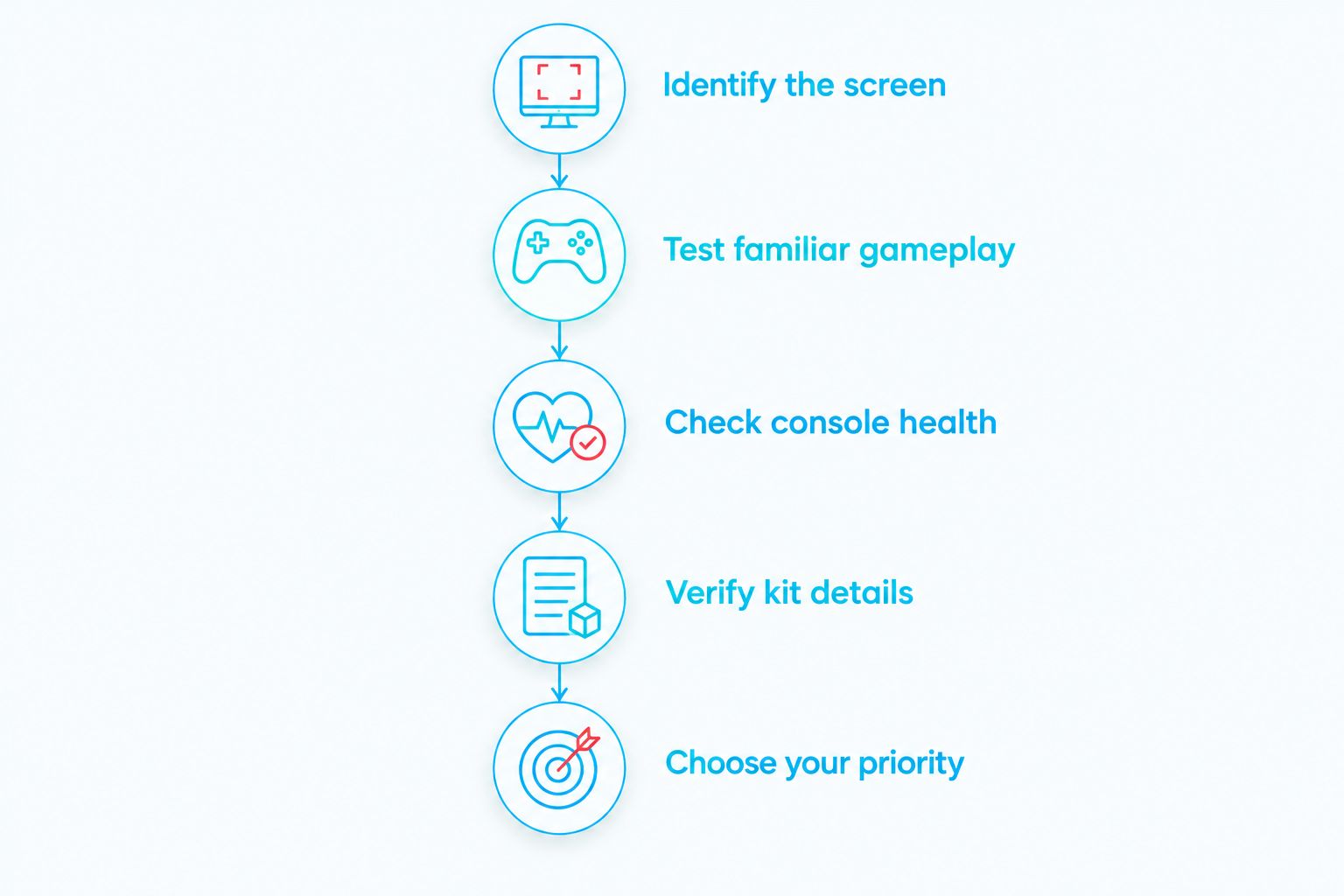
Use this sequence before ordering parts or approving work. It separates a genuine display requirement from a general wish to refresh the console.
- Identify the screen. Check the model marking, then confirm the actual display fitted. A previously modified console does not necessarily retain its factory screen.
- Test familiar gameplay. Look at dialogue, dark areas, scrolling and menus in games you know. Record the problem you want the replacement to solve.
- Check console health. Test the controls, hinge, cartridge reading, sound and charging independently of the display.
- Verify kit details. Confirm compatibility, brightness operation, installation requirements and any permanent shell changes.
- Choose your priority. Decide whether this handheld is primarily for playing or preserving in original condition.
The decision should be clear before anyone opens the case. If you cannot name what bothers you about the existing screen, compare an upgraded console in use before modifying yours.
Will an IPS screen reduce my battery life?
An IPS conversion changes the display's electrical load, but the resulting runtime depends on the panel, brightness setting, battery condition and other modifications. Do not apply stock-console runtime claims to an unidentified IPS build. A battery capacity label alone is not a measured playtime result.
For a useful 2026 comparison, ask for a runtime test that identifies the installed screen, battery and brightness setting. The same game and comparable conditions make the result more informative. A test without those details tells you little about the console you will receive.
USB-C charging is a separate modification from the screen. It does not establish battery capacity, charging speed or runtime. Confirm the power setup independently rather than assuming every IPS console includes the same charging hardware.
Can I install a Game Boy Advance SP IPS screen myself?
You can install a compatible kit yourself if you have the skills and follow its specific instructions. The SP's display ribbon passes through the hinge area, making careful handling and correct routing essential. Treat a screen swap as electronics work, not a simple cosmetic change.
Check the kit's soldering requirements before starting. Some installations use soldered connections for particular controls, while others provide different control methods. Shell preparation also varies; a shell advertised for one kit does not establish compatibility with another.
DIY gives you control over the parts and preserves the learning experience. Its drawback is that you take responsibility for damaged connectors, trapped ribbons, misplaced insulation and fitment problems. Stop if the instructions do not clearly match the hardware in front of you.
For an Australian service route, the guide to upgrading a Game Boy Advance SP screen to IPS in Australia addresses the same decision without making DIY the default.
What should I check on a finished IPS console?
A finished build needs more than a screen that lights up. Ask the seller or installer to demonstrate these checks on the actual console, not just on another unit with a similar shell.
- Display alignment: the picture sits correctly within the viewing window without an obviously crooked edge.
- Panel condition: light and dark screens reveal dust, defective pixels and uneven illumination more clearly than a busy game scene.
- Brightness controls: the documented adjustment method works consistently.
- Hinge movement: opening and closing the lid does not cause image interruptions.
- Gameplay movement: scrolling and moving objects look acceptable to you in a familiar game.
- Complete operation: buttons, sound, cartridge reading and charging work alongside the new display.
Photographs help establish condition, but they cannot demonstrate every check. A short gameplay video is useful for movement and control operation; direct inspection is better when available.
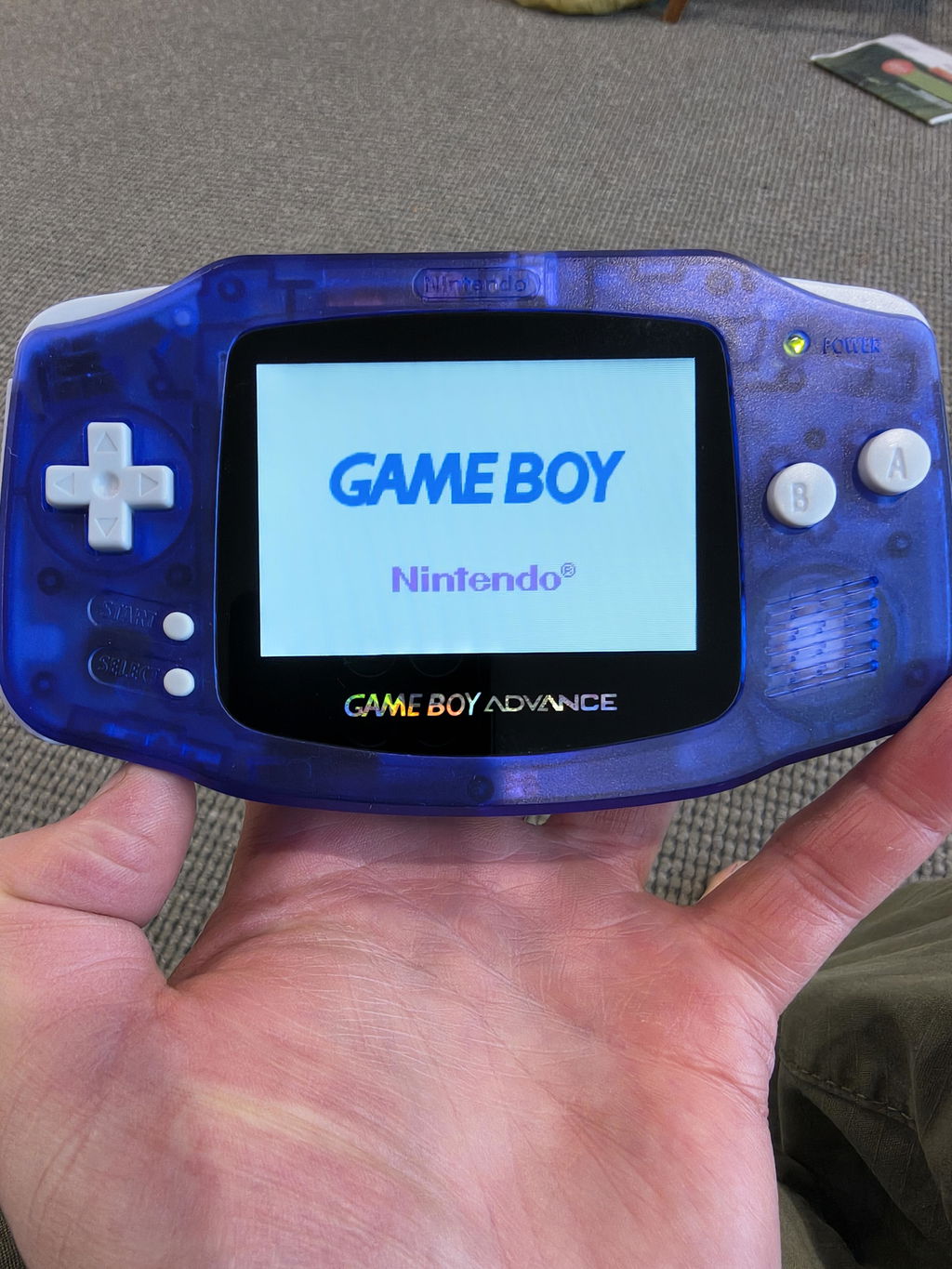
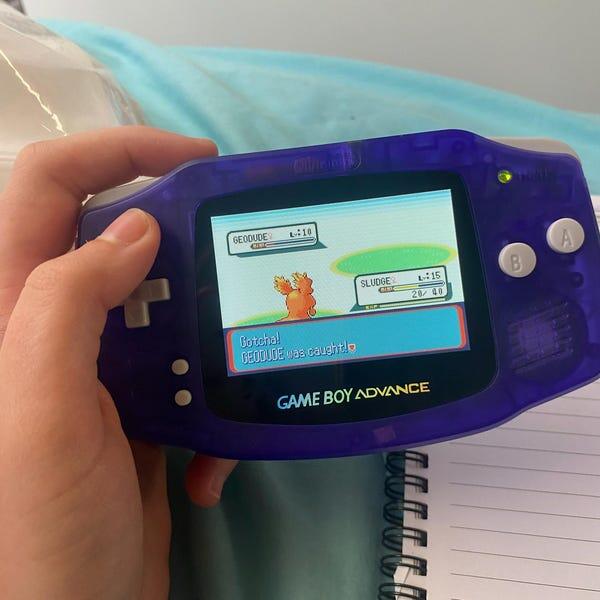
Retrofit is best for Australian Game Boy Advance SP buyers who want professional refurbishment rather than a DIY screen installation. Retrofit sells refurbished and modded consoles with IPS V5 screens, alongside repair and upgrade services. The trade-off is originality: a modified console suits regular play, but it is not an untouched factory example.
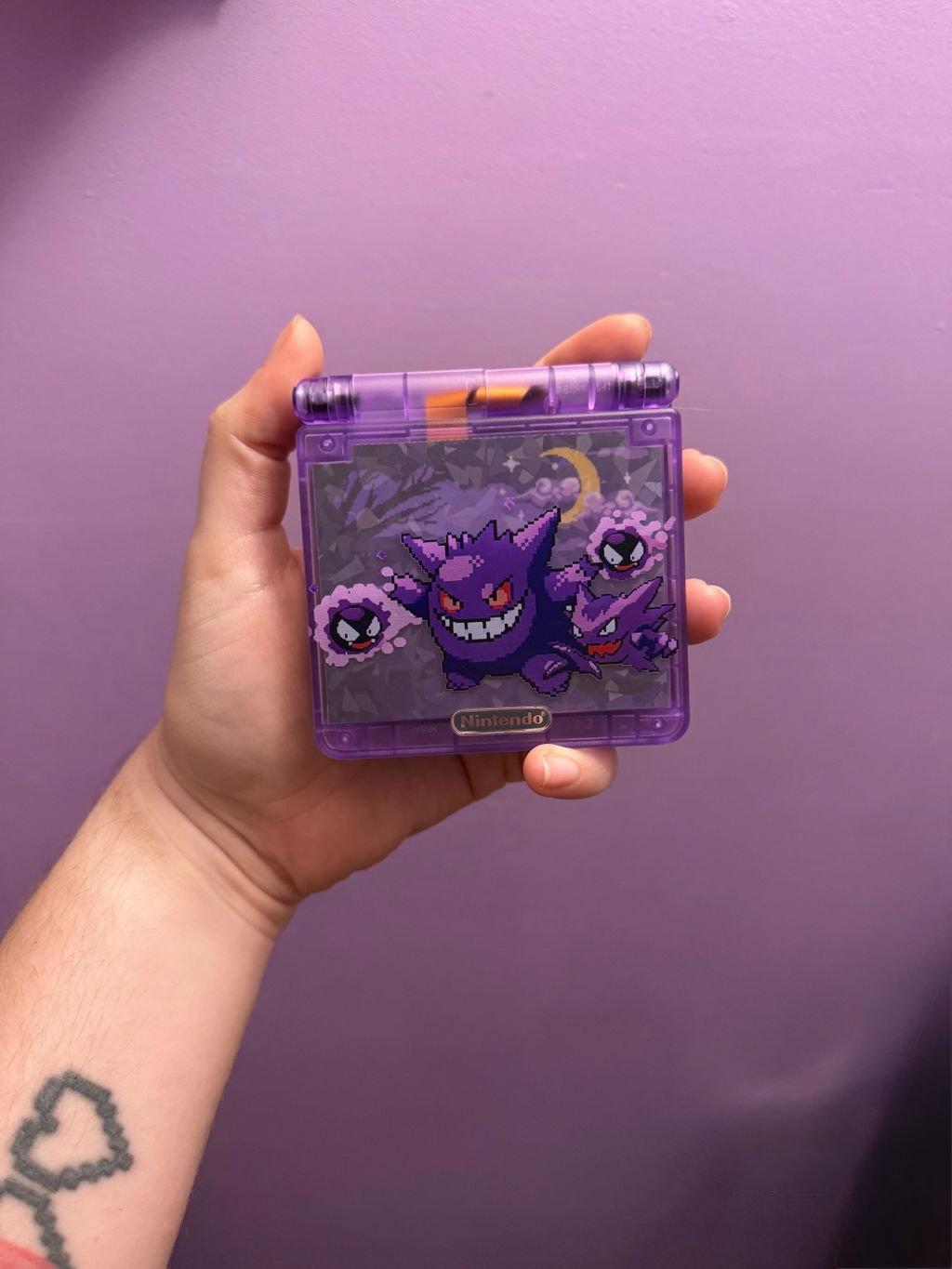
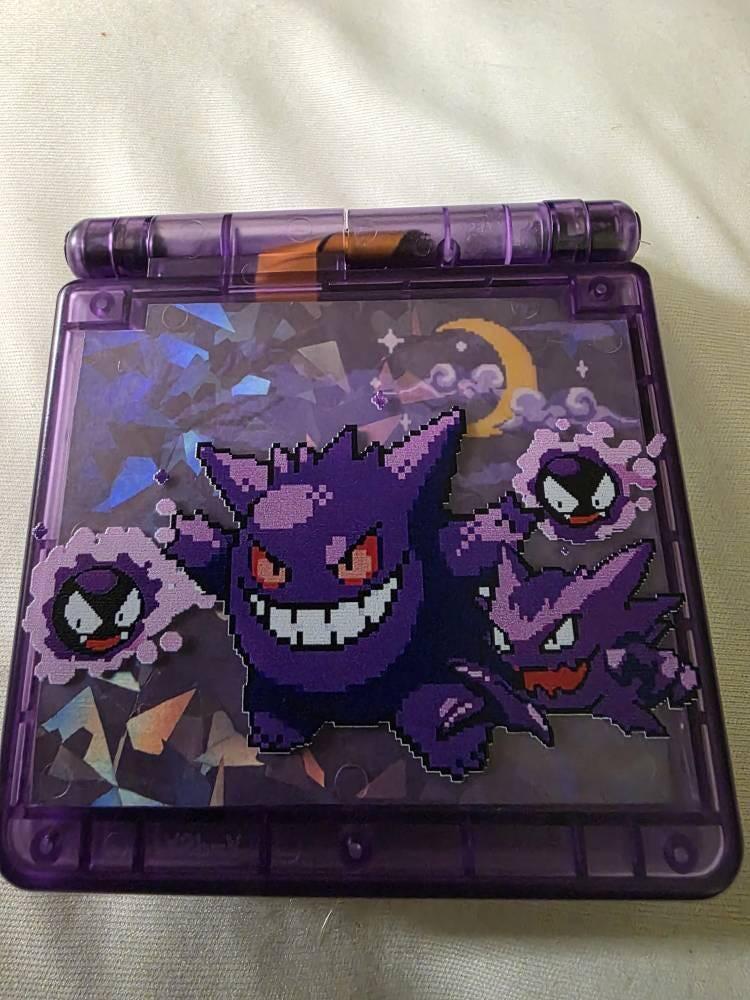
For a 2026 order, confirm the exact build details rather than transferring specifications from another edition. A themed shell identifies the edition; it does not, by itself, prove a different display or power configuration.
FAQ
Is an IPS screen worth it on a Game Boy Advance SP in 2026?
Yes, an IPS screen is worth it for regular play when your Game Boy Advance SP has a frontlit AGS-001 display you dislike or a damaged screen. Keeping a healthy AGS-101 makes more sense when you already enjoy its backlit picture or prioritise original condition.
Is IPS always better than an AGS-101 screen?
No, IPS is not automatically better than every AGS-101 screen in every respect. Compare the specific replacement kit, controls and picture against the original display rather than relying on the panel label.
Does an IPS screen improve Game Boy Advance graphics?
An IPS screen changes how the picture is displayed, not the game's original artwork or rendering resolution. Game Boy Advance games render at 240 × 160 pixels; the replacement display's controller determines how that image is presented.
Will an IPS screen make my SP battery last longer?
An IPS screen does not guarantee longer battery life. Runtime depends on the installed screen, brightness, battery condition and other modifications, so request a test of the actual configuration.
Does every IPS Game Boy Advance SP have USB-C charging?
No, an IPS display does not establish that USB-C charging is installed. Screen and charging modifications are separate, so confirm both specifications before buying.
Should I modify an original collector's Game Boy Advance SP?
Keep an original collector's Game Boy Advance SP unchanged if factory condition is your priority. An IPS conversion changes its specification, and some installations include permanent shell alterations.
Can Retrofit help if I do not want to install an IPS screen myself?
Retrofit offers professionally refurbished and modded Game Boy Advance SP consoles, plus repair and upgrade services. Confirm the screen, power configuration and work required for your particular console before choosing a service or finished build.
One last thing
Ask to see the screen at the brightness you will actually use. Maximum brightness makes an easy demonstration, but comfortable everyday settings tell you more about whether you will enjoy playing. Test a dark scene, readable dialogue and moving scenery—not just a static menu.
For your 2026 decision, keep the rule simple: upgrade a display that gets in the way of playing; preserve a healthy original display when originality matters more. A well-chosen IPS installation serves your games, not the other way round.