

Yes—an IPS V5 screen set to a high brightness level can look brighter than an original AGS-101 screen. There is no reliable brightness gap to quote without measuring the two consoles: the IPS installation, brightness setting and condition of the original screen all affect what you see. For an ips v5 vs ags-101 brightness comparison in 2026, compare the screens under the same lighting rather than judging them from separate photos.
- For ips v5 vs ags-101 brightness, IPS V5 is the better choice if you want a brighter-looking high setting.
- An original AGS-101 preserves the stock Nintendo display; screen condition affects the comparison.
- Retro Fit IPS V5 consoles suit players who prioritise a modern display, not collectors seeking an untouched AGS-101.
- Compare both screens with the same game, lighting and viewing angle before deciding.
Why this matters
Brightness affects more than whether you can see the game. It changes how you judge an older console in a bright room, whether a screen feels comfortable indoors and whether replacing an original display meets your expectations. In 2026, a claim that one screen is simply brighter leaves out the setting and condition behind the claim.
If you are choosing a console rather than inspecting screens you already own, start with the display type. A guide to Game Boy Advance SP consoles ranked by screen brightness can help you frame that choice. The comparison below explains what to check on the individual console.
Is the IPS V5 screen brighter than the original AGS-101 screen?
The IPS V5 is the stronger choice when your priority is a brighter-looking high setting. The AGS-101 remains the choice when preserving the original Nintendo screen matters more. Neither statement provides a measured brightness rating for a particular console; that requires a like-for-like test.
| Screen | Best for | Brightness advantage | Limitation |
|---|---|---|---|
| IPS V5 replacement | Players who prioritise a modern, backlit display | Can look brighter when set high | The result depends on the installed screen, its setting and the comparison conditions |
| Original AGS-101 | Collectors who want the stock backlit SP display | Lets you keep the original screen | An ageing screen can look different from another AGS-101 screen |
These are two different buying decisions. If you already have an AGS-101 whose display looks good to you, a brighter image alone does not make replacement necessary. If you are buying primarily to play and find the stock image too dim, an IPS V5 build gives you a practical alternative. In 2026, ask to see the screen you will actually receive, not just a photograph of the same model.
A screen photograph cannot settle the brightness question. Camera exposure, reflected room light and image editing can change the apparent difference before you see either handheld in person. Treat photographs as a way to inspect appearance, not as a brightness measurement.
IPS V5: brighter-looking at a high setting
An IPS V5 replacement makes sense when the display experience is your main reason to choose a modded Game Boy Advance or SP. The useful comparison is its visible high setting against the original AGS-101 under the same light. Do not assume that every console described as IPS V5 uses the same controls or has been set up identically; confirm how brightness is adjusted on the specific build.
Best for: someone who wants a modern backlit display and is comfortable replacing the stock screen. The advantage is a brighter-looking option. The trade-off is that the result no longer represents the original AGS-101 display, and a bright setting is not automatically the most comfortable setting in a dark room.
For a console you can inspect, ask for the screen at its usual setting and at its highest available setting. That shows whether the extra brightness is useful to you, rather than merely visible. Also check the game screen from your normal playing angle; a close-up photograph taken straight on does not reproduce how you hold an SP.
Original AGS-101: the stock display
The AGS-101 is a backlit Game Boy Advance SP model, so this is not a comparison between an IPS screen and an unlit display. An original AGS-101 can still be pleasant to use indoors. Its principal advantage here is originality: you keep the Nintendo display rather than replacing it to pursue more brightness.
Best for: a collector who specifically wants an original AGS-101, or a player already satisfied with their console's screen. Its limitation is that a model name cannot tell you the condition of the particular screen in front of you. In 2026, inspect the actual unit before treating any AGS-101 listing as a dependable brightness reference.
If the original screen appears dim, check the console's available brightness setting and the lighting around you before deciding it needs replacing. Comparing it with an IPS V5 image captured by another camera will not tell you how much of the difference comes from the displays themselves.
Why IPS V5 vs AGS-101 brightness varies
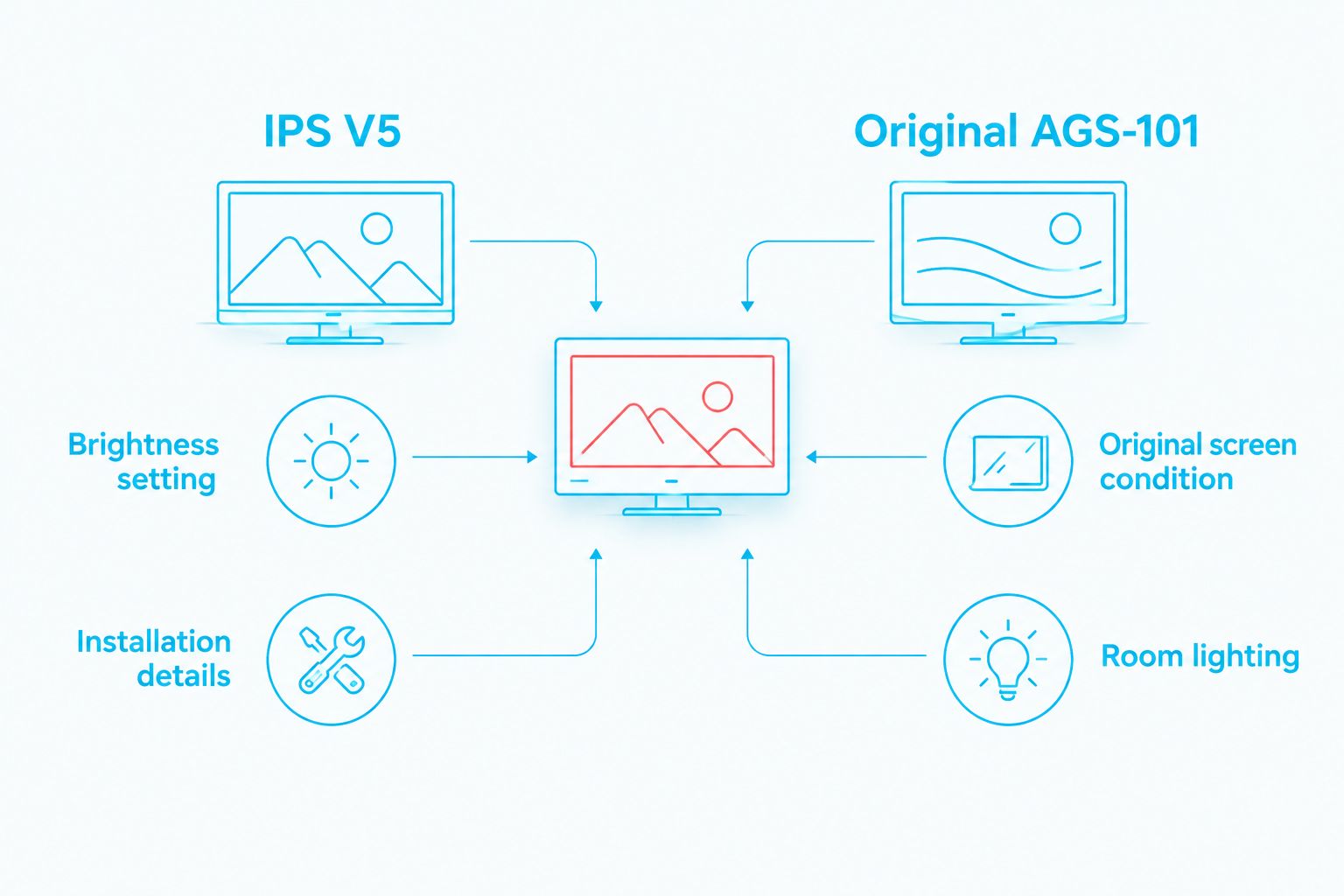
The screen names identify the display types, not a fixed visible result. These factors change an ips v5 vs ags-101 brightness comparison:
- Brightness setting: Compare the IPS V5 at a stated setting. A high setting and an everyday setting answer different questions.
- Original screen condition: Judge the AGS-101 unit you would keep or buy. Another original screen is not a substitute for inspecting it.
- Room lighting: A screen that looks bright in a dim room faces a different test under stronger light.
- Viewing angle: Hold both consoles as you would during play. A straight-on photo can hide what you notice from your usual position.
- Camera exposure: Separate listing photographs can make either screen appear brighter. Side-by-side images are more useful when the exposure stays the same, but direct viewing is better.
- Installation details: Confirm the brightness controls and visible screen quality on the finished IPS V5 console. The IPS V5 label alone does not verify either.
A fair test controls what you can control. Use the same game scene, place both consoles together and look at them without changing the room light. Then try the settings you would actually use. That separates a useful upgrade from a setting you would rarely choose.
How to compare the screens before you decide
If you can see both consoles in person, make the comparison repeatable. If you are buying remotely, ask for an unedited side-by-side recording under shared lighting and ask which brightness setting is shown. A recording still is not a brightness measurement, but it is more informative than two unrelated product photos.
- Match the scene. Show the same game screen on each console. A bright menu on one and a dark level on the other will distort your impression.
- Match the light. Put the consoles beside each other and keep the room lighting unchanged. Check them in the kind of light in which you normally play.
- Identify the settings. Note the setting shown on each screen. Ask the seller how to adjust the IPS V5 installation rather than assuming a particular control method.
- Check your normal angle. Hold each console where you would hold it while playing. Look for a display you can read comfortably, not merely the brightest image on camera.
- Check the individual unit. Look across the whole image for anything that would bother you during play. Brightness is only one part of deciding whether a screen suits you.
Do not turn a visual comparison into a numerical claim. Without measured output from the specific units, there is no supported figure for how much brighter one is. The useful answer is which display you prefer at a setting you would use.
When does an IPS V5 console make sense?
Choose an IPS V5 console if your present display feels too dim in your usual playing conditions and you prefer the look of a replacement screen. Keep an original AGS-101 if its display already works for you or if retaining the stock screen is part of why you own it. Retro Fit IPS V5 consoles are best for players who prioritise a modern display; an original AGS-101 is best for collectors who prioritise the stock screen.
Retro Fit sells refurbished and modded Game Boy Advance and SP consoles, including IPS V5 builds, alongside repair and upgrade services in Australia. The Gengar Evolution Edition IPS V5 screen upgrade is one listed SP example. Its product name identifies the screen upgrade; it does not establish a measured brightness difference against your AGS-101.
If you are deciding whether to upgrade a console you already own, first decide what problem you are fixing. A screen you find difficult to read is a different reason from simply wanting a newer display. Retro Fit's IPS V5 option is relevant to the first decision, but replacing an original AGS-101 screen also means giving up that original display in the finished console.
Will an IPS V5 look brighter outdoors?
An IPS V5 can look brighter than an AGS-101 outdoors, but high brightness does not remove glare. Compare both screens in the same outdoor position and angle. In 2026, an indoor photo is not enough evidence for a claim about visibility in bright conditions.
Does turning up an IPS V5 affect battery life?
A higher screen brightness setting requires more power than a lower setting on the same display. The effect on play time depends on the finished console and its battery, so there is no responsible play-time figure to assign to every IPS V5 build. Choose a setting you can read comfortably rather than leaving it at maximum by default.
Should you replace a working AGS-101 just for brightness?
Replace a working AGS-101 screen for brightness only if the original display falls short in the conditions where you play. In 2026, an original screen you already enjoy is a sound reason to keep the console stock. If you also value originality, compare a separate IPS V5 console before altering the AGS-101 you own.
FAQ
Is IPS V5 brighter than an original AGS-101 in 2026?
An IPS V5 at a high setting can look brighter than an original AGS-101. The size of the difference is not established without testing the particular consoles under the same lighting.
Which screen is better for playing Game Boy Advance SP indoors?
An IPS V5 suits players who want a modern backlit display, while an original AGS-101 suits players who want the stock screen. Compare both at comfortable settings in your usual room lighting.
Is an AGS-101 screen backlit?
Yes, the AGS-101 is a backlit Game Boy Advance SP model. Comparing it with IPS V5 is a comparison between two lit displays, not a comparison with an unlit screen.
Can product photos prove which screen is brighter?
No. Camera exposure and room lighting affect how bright each display looks in a photograph. Ask for the settings used and compare the screens together where possible.
Does maximum IPS V5 brightness mean better outdoor visibility?
No. A bright setting can help you see an IPS V5 image, but reflections still affect outdoor viewing. Check the screen in the light and position in which you plan to play.
Should I replace my original AGS-101 screen with IPS V5?
Replace it if you want the replacement display more than you value keeping the original screen. If your AGS-101 is already comfortable to use, brightness alone does not require an upgrade.
Does an IPS V5 screen have the same brightness controls in every console?
Do not assume the controls are identical across finished consoles. Ask how brightness is adjusted on the specific IPS V5 build you are considering.
One last thing
The brightest setting is not necessarily the setting you will enjoy most. If you usually play indoors, compare the IPS V5 and AGS-101 where you actually sit, at comfortable settings. That decision is more useful than an unsupported claim that one screen wins by a fixed amount. Retro Fit's IPS V5 consoles offer a replacement-screen route; keeping an AGS-101 gives you the original-display route.






